Guide · · 3 dk okuma
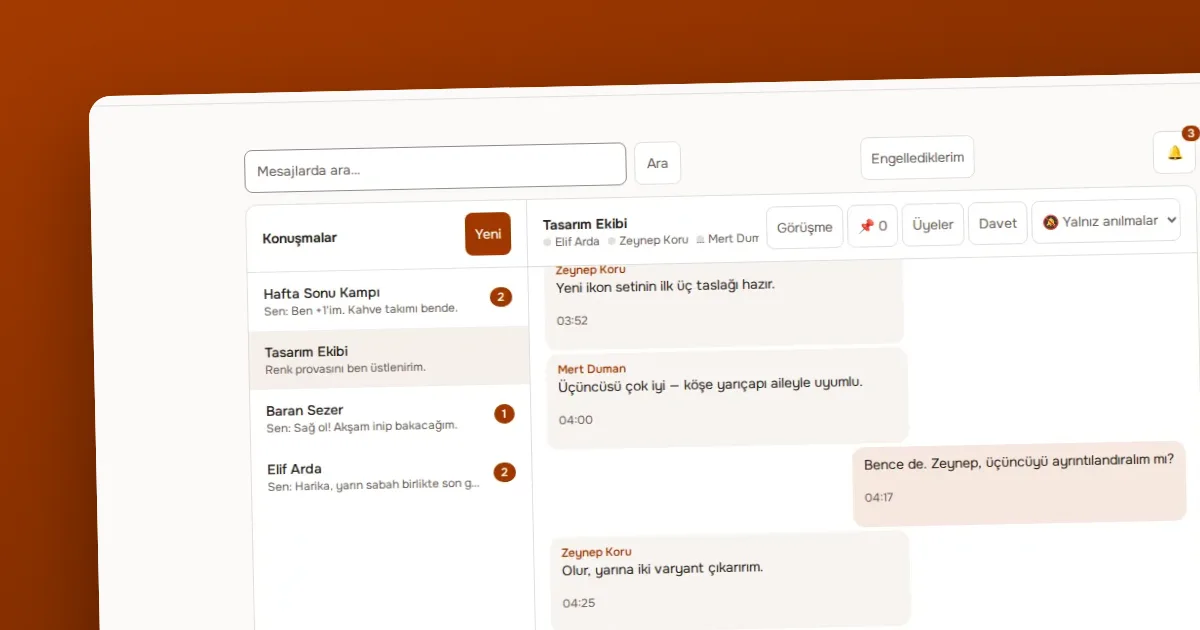
Managing notifications: all, mentions only and none (Sessiz)
How to choose a notification preference for each conversation in OVOLOOP and turn on browser notifications, with practical ways to reduce noise.
Yazıyı oku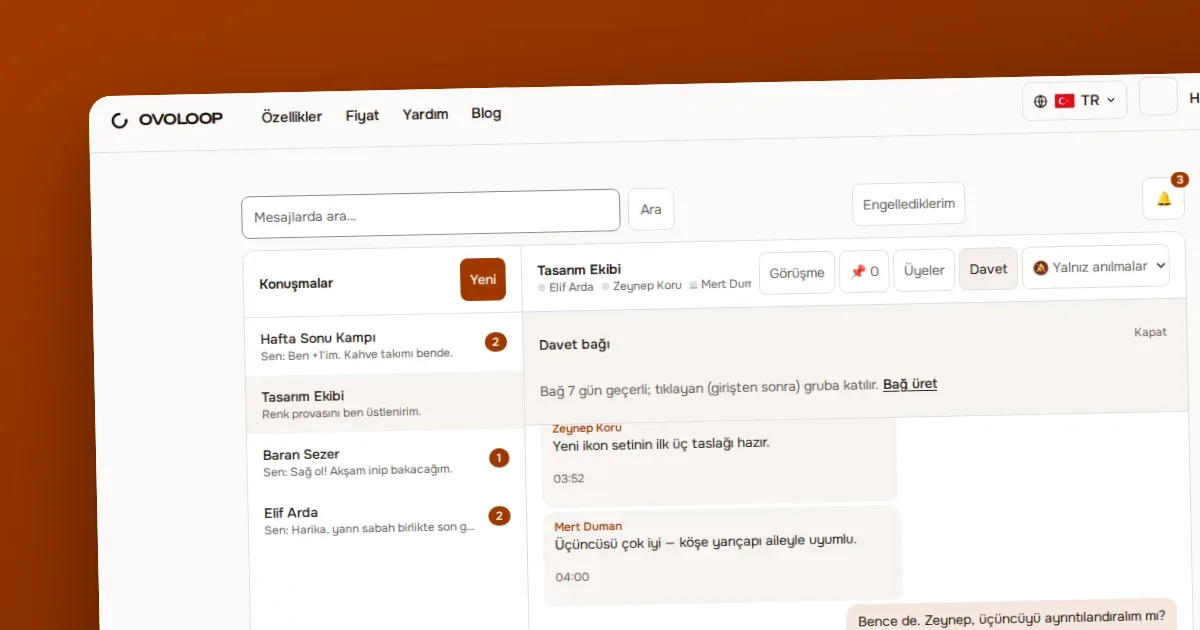
Yazar OVOKODO Ekibi · · 4 dk okuma
In short: In OVOLOOP every conversation has three roles: owner, moderator and member. Moderators can silence a member for an hour, a day or indefinitely, and can remove or ban them from the conversation. Anyone can report a message or a user and can block someone they do not want to hear from. An owner cannot be touched by another owner; the ladder of authority is simple on purpose.
| Power | Member | Moderator | Owner | |---|---|---|---| | Write messages, react | Yes | Yes | Yes | | Pin a message | No | Yes | Yes | | Silence a member | No | Yes | Yes | | Remove a member | No | Yes | Yes | | Ban a member | No | Yes | Yes | | Appoint a moderator | No | No | Yes | | Write in an announcement channel | No | Yes | Yes |
Roles form a ladder: someone with higher authority can act on someone lower; two people at the same level cannot touch each other. In groups ownership is not handed over, so an owner cannot create a second owner to get around this rule.
The three actions carry three different meanings:
A simple rule: silence if a warning is enough, remove if the relationship is over, ban if there is ill intent.
The owner makes a member a moderator or returns them to membership. Ownership cannot be assigned this way and is not transferable in groups. So an owner cannot get around the rules by producing a second owner.
Moderators can pin an important message: rules, a meeting link or a frequently asked answer. Pinned messages stay in the conversation's pin list and someone new finds the rules there.
Anyone can report a message or a user. Reasons: spam, harassment, hate, sexual content, violence, illegal content, impersonation and other. A report reaches not only the conversation's moderators but also the product's operator panel; the operator can dismiss a report or suspend an account. This gives a way out even when the moderator is the problem.
Blocking is personal: you block someone you do not want to hear from, for your own account. It is not moderation and does not change anyone else's experience. You can see the list of people you blocked and remove a block at any time.
In OVOLOOP moderation is a human decision: a moderator or owner decides about a member one by one. Because of the ladder of authority, a moderator cannot act on another moderator or the owner at their own level; if there is such a dispute, the route is a report to the product's operator. Keep important decisions and their reasons in your own records, so when an objection comes you can explain why you decided as you did. Your community's rules must also not conflict with the law or the product's terms of use.
Ready? Build your community on OVOLOOP.
Guide · · 3 dk okuma
How to choose a notification preference for each conversation in OVOLOOP and turn on browser notifications, with practical ways to reduce noise.
Yazıyı oku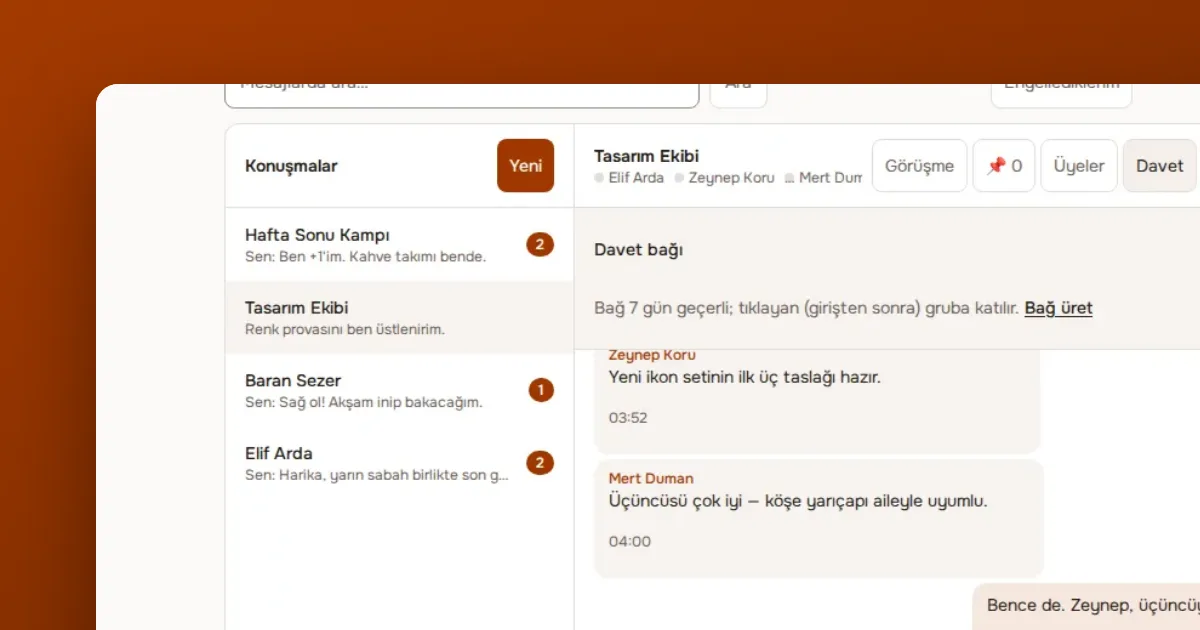
Guide · · 4 dk okuma
Step by step: open a company workspace in OVOLOOP Business, set domain-based joining, open and private channels, guests, security rules and retention.
Yazıyı okuGuide · · 1 dk okuma
A muted member reads but cannot write; a banned member is removed.
Yazıyı okuÖlçüm çerezleri, sayfaların nasıl kullanıldığını anonim olarak ölçer. Yalnız izin verirseniz yazılır; seçiminizi altbilgideki Çerez tercihleri bağından değiştirebilirsiniz.
Siteyi geliştirmek için ölçüm çerezleri kullanırız. Zorunlu çerezler her zaman açıktır. · Gizlilik politikası(OVOKODO'da açılır)