Guide · · 3 dk okuma
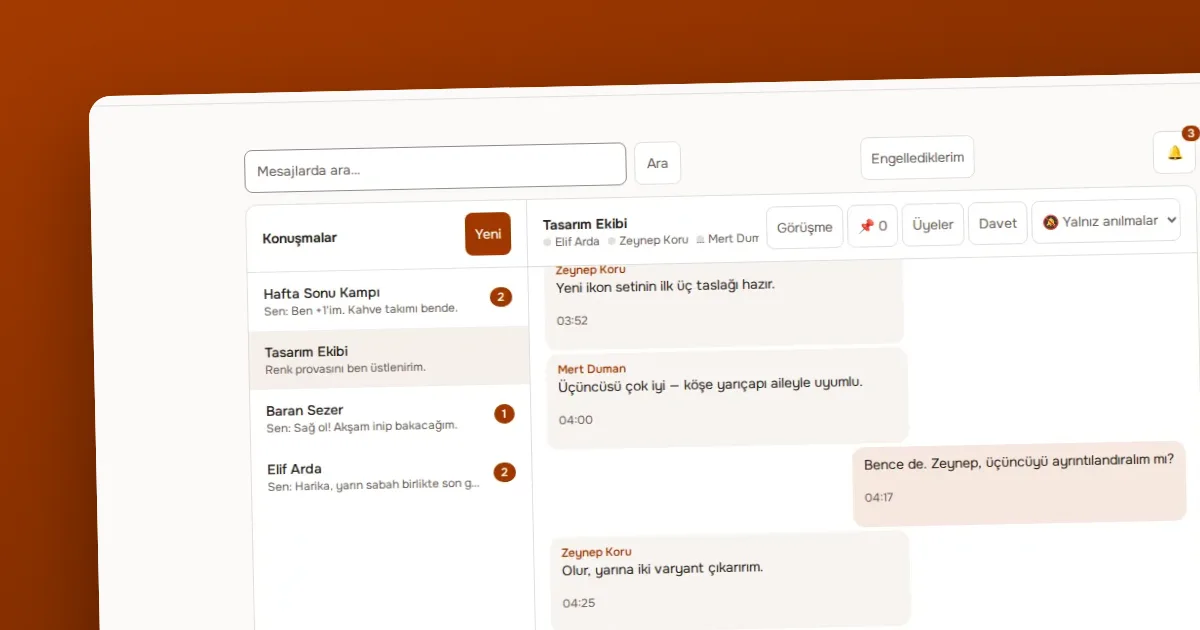
Managing notifications: all, mentions only and none (Sessiz)
How to choose a notification preference for each conversation in OVOLOOP and turn on browser notifications, with practical ways to reduce noise.
Yazıyı oku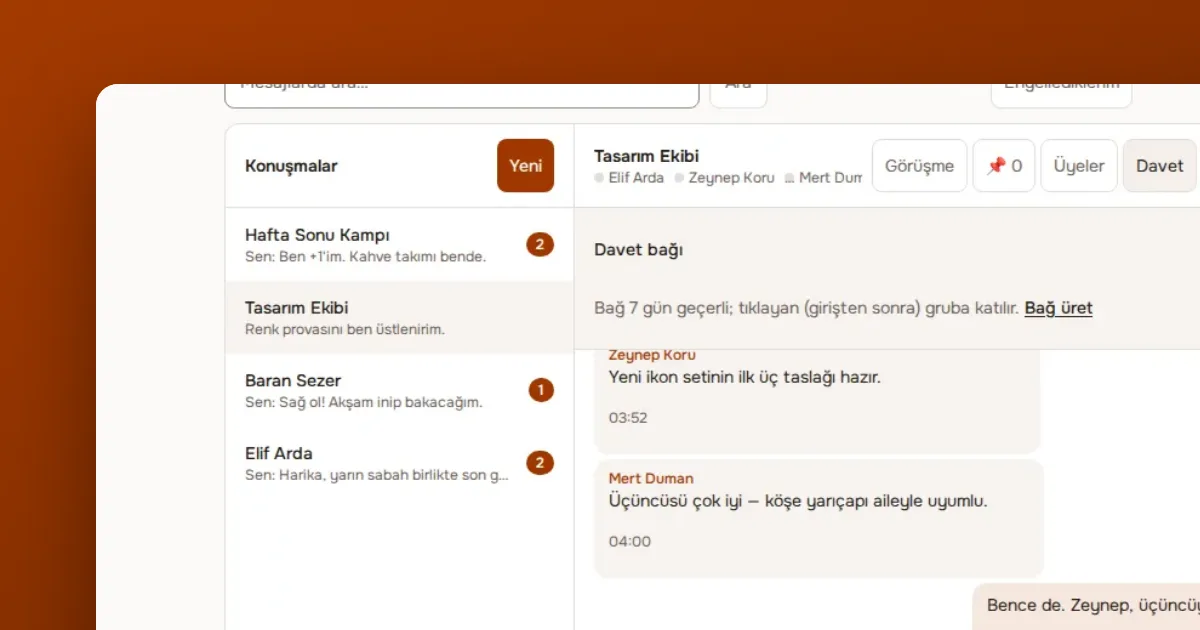
Yazar OVOKODO Ekibi · · 4 dk okuma
In short: In OVOLOOP direct messages and groups are free. If your team needs channels, announcements, domain-based joining, guests, security rules and a retention setting, you open a company workspace in OVOLOOP Business. An owner and admins manage the workspace; the member count depends on the seats you buy.
A company workspace is your team's shared roof. Channels, members and rules live inside it. The workspace has an owner; the owner can make members admins or members and can transfer ownership. Channels come in three kinds: any member of the company can join an open channel, only added people enter a private channel, and in an announcement channel only moderators write.
If you enter your company's email domain (yourcompany.com), verified accounts on that domain can join without an invitation. When someone new joins the team you do not need to send a separate invitation. The domains of large mail providers (Gmail, for example) cannot be used for this; otherwise everyone in the world would be invited in. You can turn the feature off whenever you like.
For an outside consultant or client you add a guest. A guest sees only the channel set aside for them, not the rest of the company. When the work is over you remove the guest.
| Rule | What it does | |---|---| | Require sign-in with OVOKODO | Members enter only with their OVOKODO identity | | Require two-step verification | Members cannot enter the workspace without 2FA | | End sessions | Ends a member's open sessions | | Transfer ownership | Changes the workspace's owner |
When a member leaves the team you remove their membership and end their sessions.
You can set the retention period to 30, 90, 180, 365 or 730 days; messages past the period are deleted. If you choose none, messages are not deleted. Only the workspace owner and admins can change this setting. A short period reduces storage and the risk of old conversations leaking, but makes it harder to look back. The decision depends on your team's needs and legal obligations; consult an expert on legal matters.
You can export the whole content of the workspace as a .jsonl file; each line is one record. The file is produced as a stream, so even large companies hit no memory problem. Administrative actions in the workspace are kept in an audit log, so you can later see who changed what.
If the company's plan is not active, channels are readable but not writable; no new member or channel can be added. When the owner subscribes again everything reopens as it was. Your data is not deleted because the plan ended.
There is 20 GB of storage per member. Each message can carry up to 10 files, each up to 10 MB. Messages are at most 4000 characters.
Guide · · 3 dk okuma
How to choose a notification preference for each conversation in OVOLOOP and turn on browser notifications, with practical ways to reduce noise.
Yazıyı oku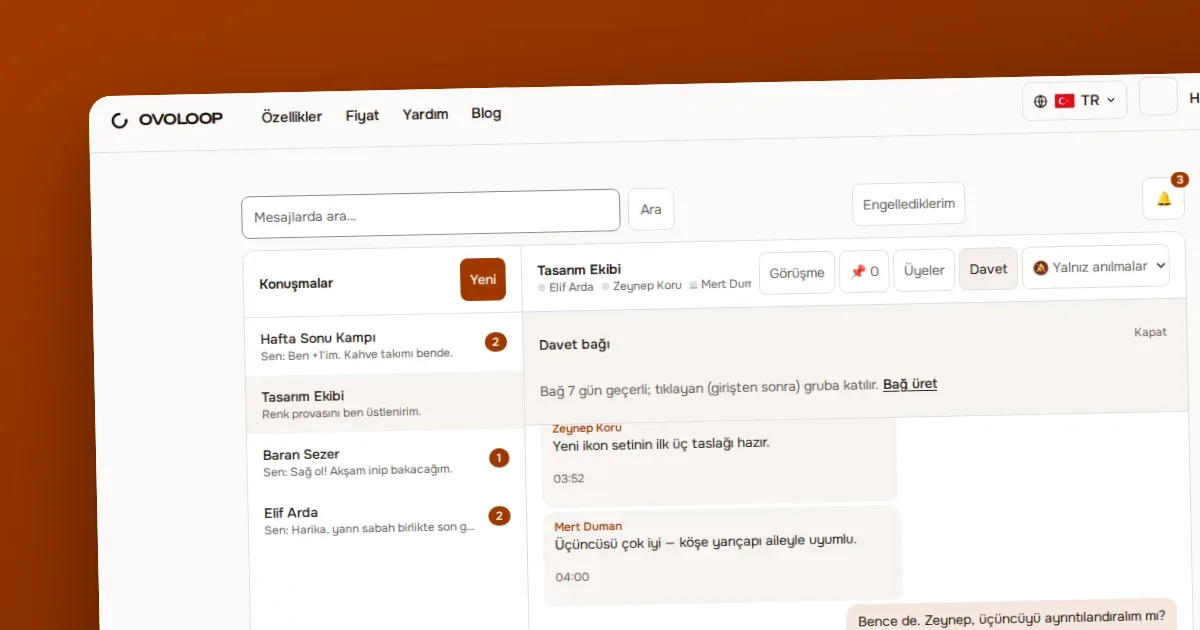
Guide · · 4 dk okuma
Explains what the owner, moderator and member roles can do in OVOLOOP, the difference between silencing, removing and banning a member, and how reporting and blocking work.
Yazıyı oku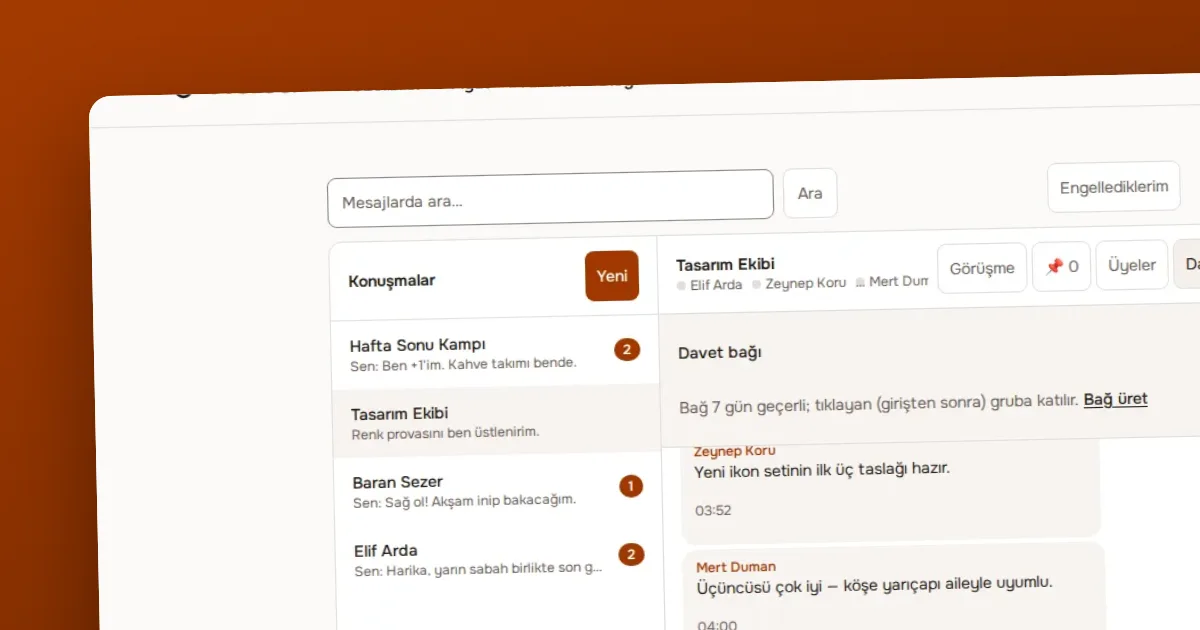
Comparison · · 4 dk okuma
Compares a team chat like OVOLOOP with email threads on speed, records, notifications, writing to outsiders and administration, and says which is better for which job.
Yazıyı okuÖlçüm çerezleri, sayfaların nasıl kullanıldığını anonim olarak ölçer. Yalnız izin verirseniz yazılır; seçiminizi altbilgideki Çerez tercihleri bağından değiştirebilirsiniz.
Siteyi geliştirmek için ölçüm çerezleri kullanırız. Zorunlu çerezler her zaman açıktır. · Gizlilik politikası(OVOKODO'da açılır)