Use case · · 1 dk okuma
Five habits to keep a team conversation tidy
Channels, announcements, reactions and pinning keep a thread from sprawling.
Yazıyı oku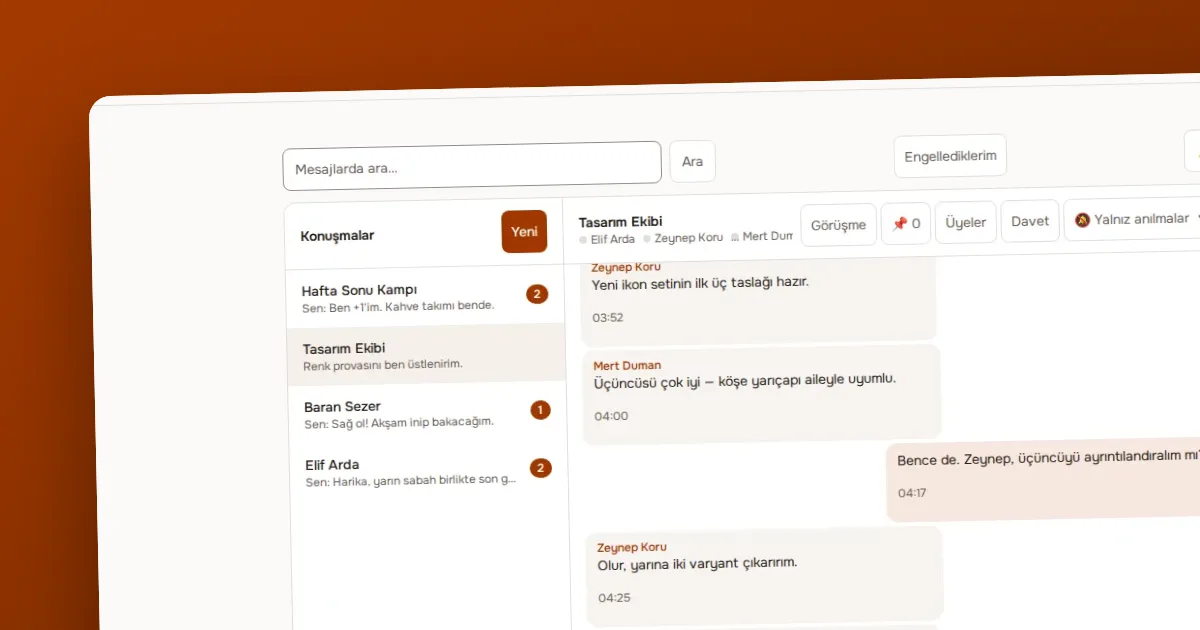
Yazar OVOKODO Ekibi · · 4 dk okuma
In short: This is not a real customer story but a scenario based on the product's real features. It shows how a four-person team spends a working day on OVOLOOP: a morning announcement, channels and direct messages through the day, pinning of important information, and search to find things later.
Picture a small product design studio: two designers, a developer and a manager. They have opened a company workspace. They have three channels: an announcement channel (only the manager writes), a general channel and one channel per project. Direct messages and small groups are used on the side.
The manager writes in the announcement channel: "Client presentation at 3 pm today, files are in the project channel." Because only moderators and the owner can write in an announcement channel, it stays free of noise; the team keeps all notifications on for this channel. The message reaches members as a notification according to their preference.
A designer adds an image and a short note to the project channel. A message can carry up to ten files and each file can be up to 10 MB; the designer uploads three images in a single message. The developer approves the image with a reaction, the second designer writes a reply and the topic gathers under the message. Because the channel is on "mentions only", someone glancing in sees no noise, but those mentioned get a notification.
The developer asks the designer a measurement in a direct message. Direct messages are on the "every message" preference; the designer sees it at once and replies. The topic does not concern the channel, so it is not moved there.
The manager pins the presentation link and the client's change list in the project channel. Pinned messages stay in the channel's pin list; someone who joins the channel in the afternoon finds them without scrolling back through the flow.
A designer adds a message containing a decision the client made in the previous meeting to their saved messages with "save". Saved messages are personal; only they see them, and they reach them from one list when needed.
After the presentation the developer looks for a file shared a week ago. They type a word related to the file in the search box and results are listed across conversations. Search can be run only a limited number of times a minute; that is more than enough for human use.
The team writes a short summary in the general channel: "The presentation went well; three changes are requested, I pinned the list." The next morning this message, together with the announcement and the pinned list, is the starting point of the day.
| Feature | What it did in this scenario | |---|---| | Announcement channel | Only the important thing is visible | | Channel notification preference | A project channel without noise | | Multiple attachments | Sending three images in one message | | Reaction and reply | Giving small approvals without filling the channel | | Pinning | Everyone finding the presentation link and the list | | Saving | A personal reminder | | Search | Finding a week-old file |
The workspace owner can choose how many days messages are kept; if none is chosen, messages are not deleted. This studio might choose 365 days; in that case messages older than a year are deleted. Keep important contract or decision texts in your own document system rather than leaving them in chat.
To be honest: there is no calendar in this flow; the team must write the presentation time into their own calendars. A separate tool is needed for voice or video calls; OVOLOOP is conversation, not meeting. A mention sends a notification email, but chat is not a replacement for an inbox. An outside client added only as a guest sees only the channel set aside for them.
Use case · · 1 dk okuma
Channels, announcements, reactions and pinning keep a thread from sprawling.
Yazıyı oku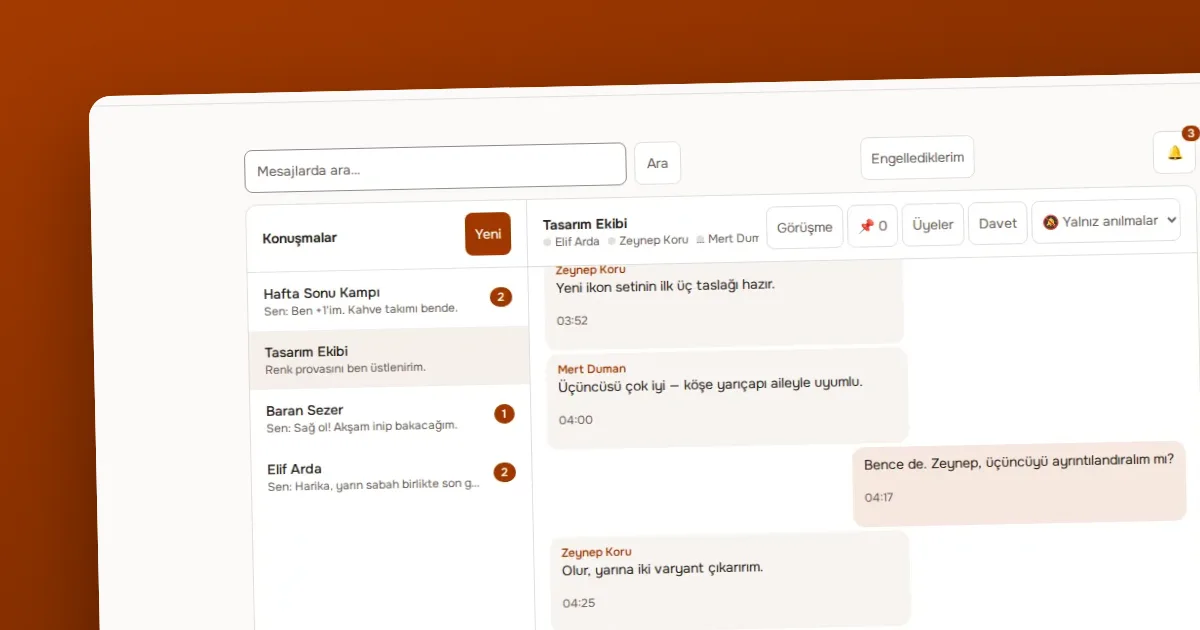
Guide · · 3 dk okuma
How to choose a notification preference for each conversation in OVOLOOP and turn on browser notifications, with practical ways to reduce noise.
Yazıyı oku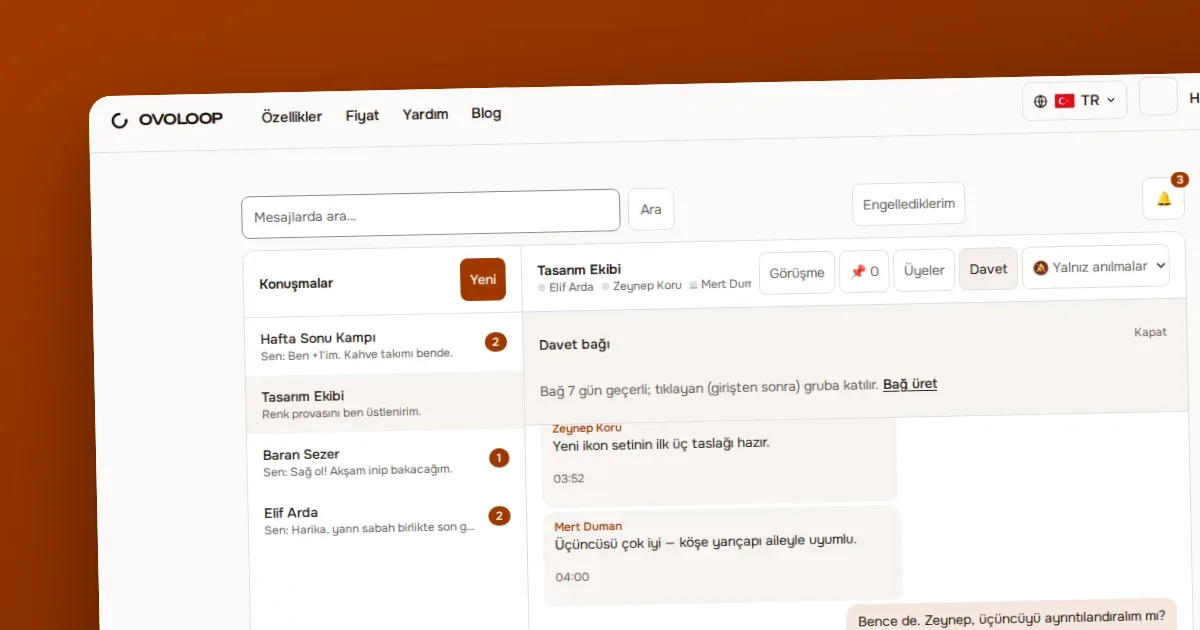
Guide · · 4 dk okuma
Explains what the owner, moderator and member roles can do in OVOLOOP, the difference between silencing, removing and banning a member, and how reporting and blocking work.
Yazıyı okuÖlçüm çerezleri, sayfaların nasıl kullanıldığını anonim olarak ölçer. Yalnız izin verirseniz yazılır; seçiminizi altbilgideki Çerez tercihleri bağından değiştirebilirsiniz.
Siteyi geliştirmek için ölçüm çerezleri kullanırız. Zorunlu çerezler her zaman açıktır. · Gizlilik politikası(OVOKODO'da açılır)